
Access Control Basics: Fobs, Codes, or Keys
Luckey Lock · July 14, 2026 · 8 min read
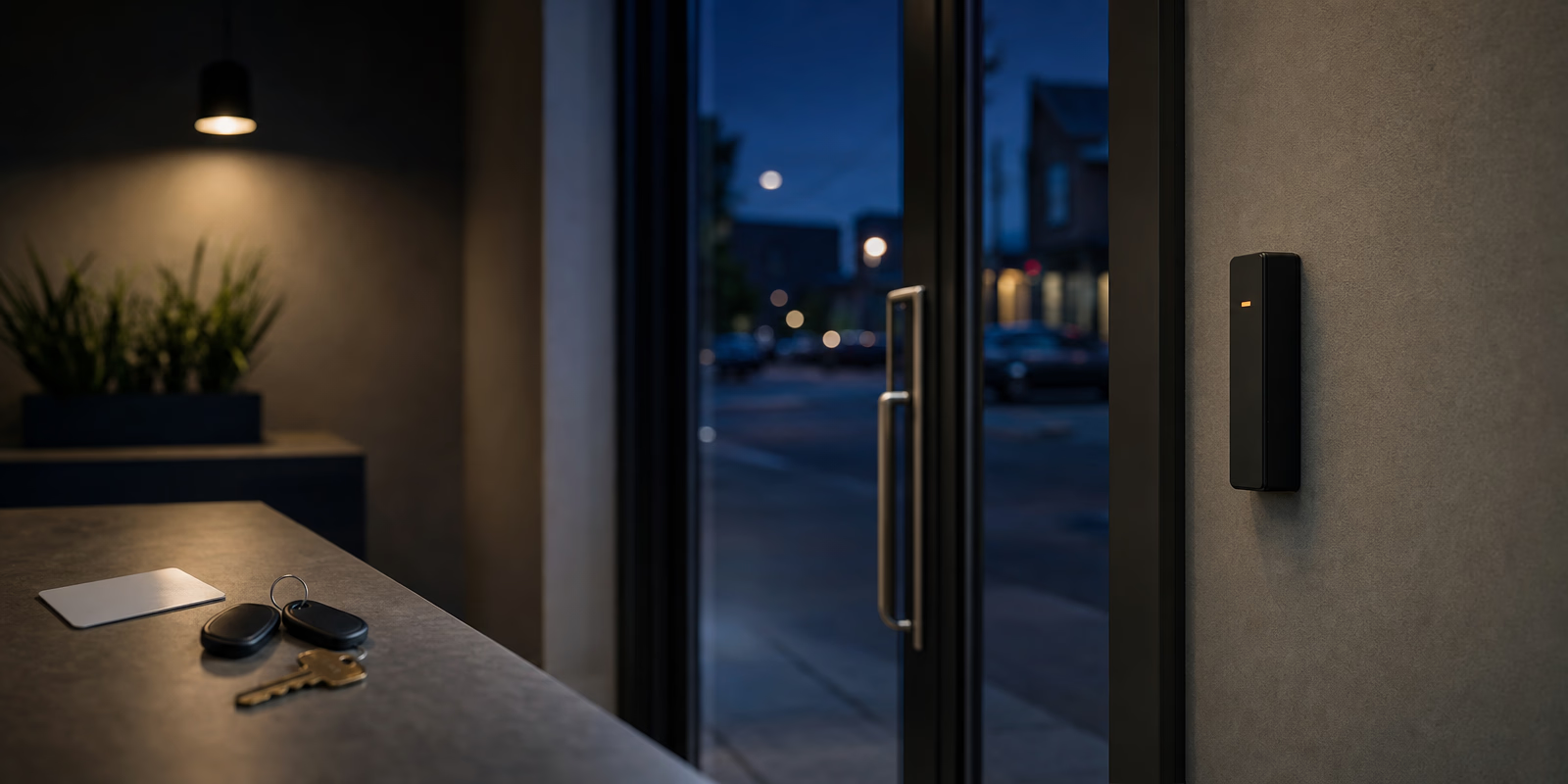
Access control sounds like something a building with a security desk buys. In practice it is a decision every business makes, including the ones that never use the phrase. If you hand out keys, you have chosen a credential. The only question is whether you chose it on purpose.
There are four credential types in common use, and each one is genuinely good at something. This is a comparison rather than a sales pitch, because for a lot of small Calgary businesses the honest answer is that mechanical keys are still the right tool for most of the doors.
What each credential type is good and bad at.
| Credential | Strengths | Weaknesses |
|---|---|---|
| Mechanical key | Cheapest per door. No power, no wiring, no network. Works in an outage and in any weather. Master keying organizes a whole building inexpensively. | No audit trail. A lost key means rekeying. Nothing is time limited, and you cannot revoke a key remotely. |
| Keypad code | No physical item to lose or hand back. Codes can be issued and deleted in seconds. Very low cost per door. | Codes get shared and shoulder-surfed. Without per-person codes there is no meaningful log. Worn buttons can advertise which digits are in use. |
| Fob or card | One credential per person, revoked instantly when someone leaves. Real audit trail. Schedules and door groups are straightforward. | Higher cost per door and a system to maintain. Fobs get lent, lost, and left in coat pockets. Needs power and usually a controller. |
| Phone credential | People rarely forget their phone. Nothing to issue physically, and access can be granted remotely to someone across town. | Depends on the phone being charged and on the app working. Staff may object to a work app on a personal device. Newest of the four, so the products vary most. |
The single biggest difference between mechanical keys and electronic credentials is not strength. A good deadbolt is a good deadbolt either way. The difference is that an electronic system knows who came through the door and when, and a key does not.
That matters the day something goes missing from the stockroom, or your insurer asks who had access, or an employee says they were not on site. With keys, the honest answer is a shrug. With credentials, there is a record. If your business handles cash, controlled stock, client records, or anything with a compliance requirement attached, the record is usually the reason to spend the money.
A log you never read is not a control
The audit trail only helps if somebody looks at it. Decide up front who reviews it and how often, even if that is five minutes on a Monday. Systems that get installed with enthusiasm and then never opened again are common, and they give a business the feeling of control without the substance of it.
Think about the last person who left your business. What did you have to do about their access?
Same event, four very different answers:
If your staff turnover is high, or you use contractors and seasonal help, revocation cost is probably the deciding factor on your main doors.
Work through these first. They change the price more than the hardware brand does:
After going through the questions above, a common Calgary outcome looks like this. Electronic credentials on the main entrance and any door that a lot of people use at odd hours, because that is where revocation and the audit trail earn their cost. Mechanical master keying on everything behind that front line, because it is inexpensive per door and it keeps working when the power does not. A keypad on one or two doors where a code is genuinely more convenient than an item to carry.
That mix is not a compromise, it is usually the correct design. The mechanical side of it is covered in our piece on master key systems for small businesses, and both sides sit within our commercial locksmith service.
Five points that come up after installation rather than before:
Keys are enough for many small businesses, particularly with stable staff and a well designed master key system. Electronic credentials earn their cost when turnover is high, when you need to know who entered and when, or when access has to be time limited.
For a low risk door they can be, provided each person gets their own code, codes are deleted promptly, and they are changed on a schedule. A single shared code that never changes is the weakest arrangement of the four.
It depends on how each door is configured. Fail-safe hardware unlocks on power loss and fail-secure hardware stays locked, and that choice has to be made deliberately with fire and life safety requirements in mind. Most systems also have a battery backup, and mechanical override on critical doors is a sensible belt and braces.
Yes, and most small businesses should. Electronic credentials on the main entrances and sensitive rooms, mechanical master keying behind them. It keeps the cost proportionate to the risk on each door.
If you would like someone to walk your premises and say plainly which doors justify electronics and which do not, call (587) 966-5625. We install and service both, and we will give you a firm quote, including the running costs, before anything is ordered.
Sorting out access for your business?
Call (587) 966-5625 for access control, master keying, and commercial lock work across Calgary.
Get a quoteAbout Luckey Lock
Luckey Lock
Luckey Lock is a locksmith serving Calgary, Alberta, available 24 hours a day, 7 days a week. Our locksmiths work out of fully equipped vans, so most automotive, residential, and commercial work is finished on site. Luckey Lock is owned and operated by Ido Shlomovich, an Alberta Certified Journeyperson in the locksmith trade, Certificate 244189A, issued under the Skilled Trades and Apprenticeship Education Act.
How a master key system organizes access for a small Calgary business, what to plan before it is cut, and the mistakes that force an expensive rebuild.
What landlords and short-term hosts should know about locks between guests and tenants: rekeying, codes, key control, and the Alberta rules to check first.
What to look for in a smart lock before you buy, including how batteries and keypads behave in a Calgary winter and why a mechanical override matters.